
Download Dell SupportAssist – Dell PC maintenance, driver updates, hardware diagnostics, PC optimization, tech support
Overview
Dell SupportAssist is a manufacturer-specific mobile application designed to simplify the maintenance and troubleshooting of Dell PCs. Developed by Dell Technologies, this tool enables users to monitor system health, manage drivers, and access technical support directly from their smartphones. The app is tailored for individuals and organizations relying on Dell hardware, offering a centralized platform for proactive PC care. It addresses common challenges such as outdated drivers, declining performance, and hardware failures by delivering timely alerts and actionable solutions.
Target users include Dell PC owners who seek a reliable, official method to maintain their devices without requiring advanced technical knowledge. Whether used in personal or professional environments, the app supports consistent system performance and extends hardware longevity. Real-world use cases include routine driver updates before software installations, identifying storage bottlenecks, and initiating support requests when hardware anomalies are detected. In the broader app ecosystem, Dell SupportAssist fills a niche by providing a trusted, integrated bridge between end-users and Dell’s technical infrastructure.
The developer did not provide additional technical details regarding the app’s backend architecture or data handling practices. However, as an official tool from Dell Technologies, it is expected to adhere to the company’s established security and privacy standards. The app’s release on both Android and iOS platforms underscores its role as a cross-device companion for Dell users managing multiple devices.
Key Features & Functionality
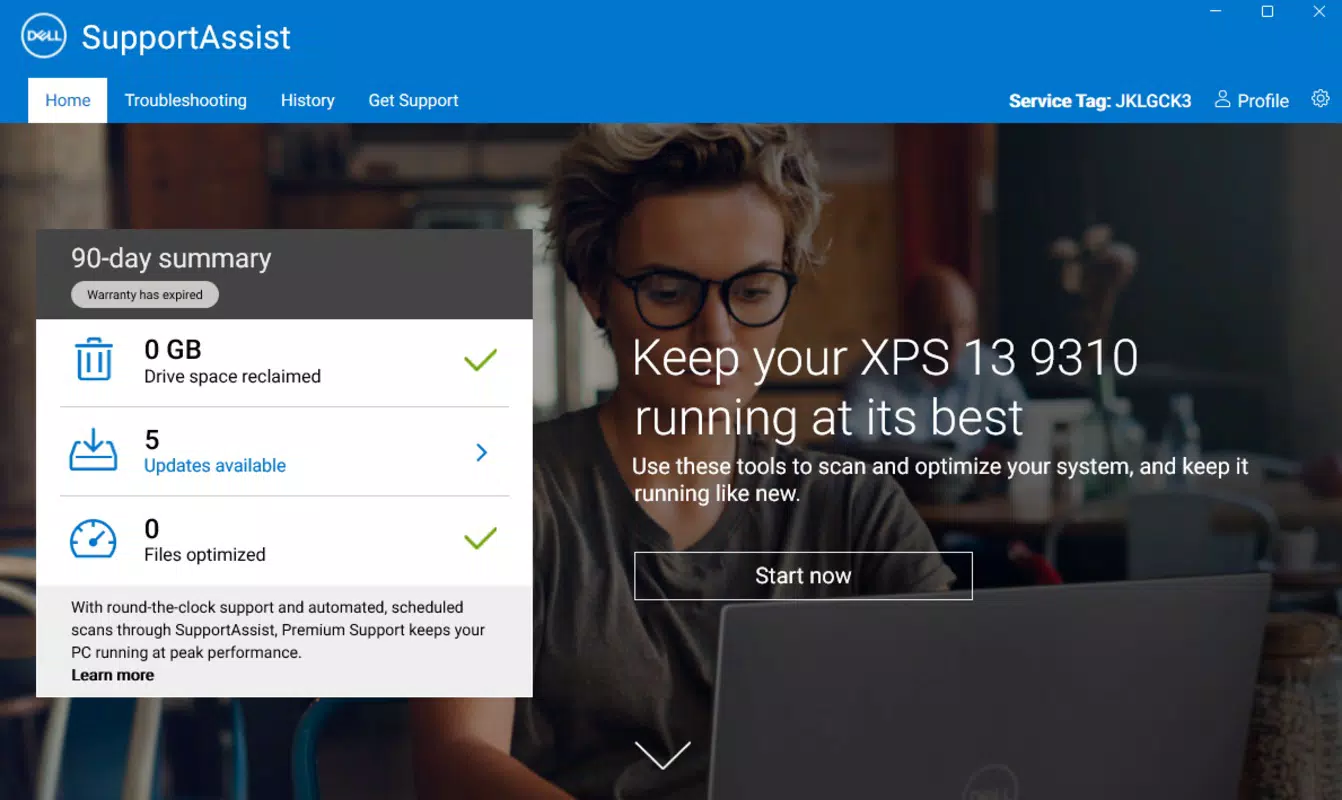
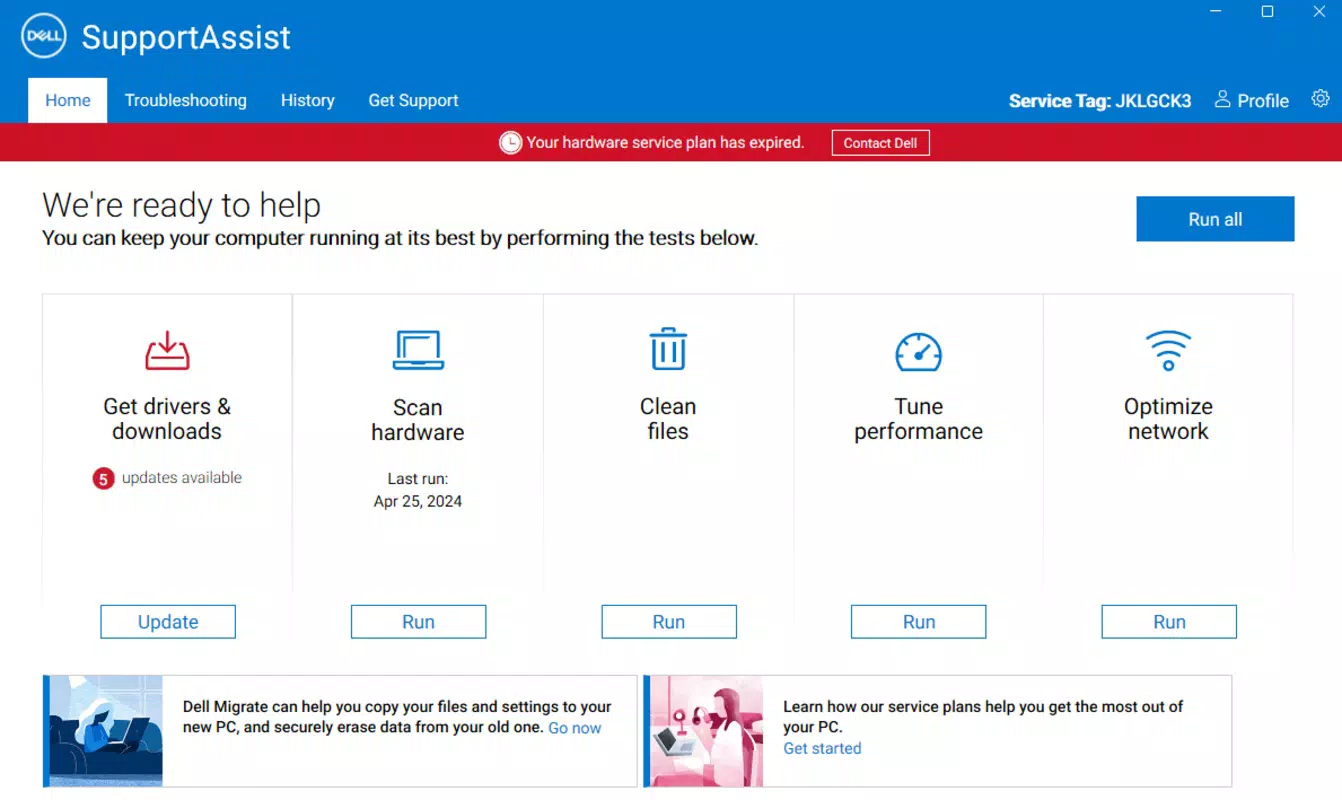
- Driver Update Detection: The app continuously scans for outdated or missing drivers specific to Dell hardware. Upon detection, it provides a streamlined update process, ensuring compatibility and reducing the risk of system instability. This is particularly useful during OS upgrades or when new software is installed.
- Hardware Diagnostics: Dell SupportAssist performs comprehensive system checks to identify potential hardware issues, such as failing hard drives or overheating components. Early detection allows users to prevent data loss or sudden system crashes.
- Drive Space Cleanup: A built-in tool analyzes storage and highlights redundant files, temporary data, and cache. Users can safely remove these items to free up disk space and improve system responsiveness.
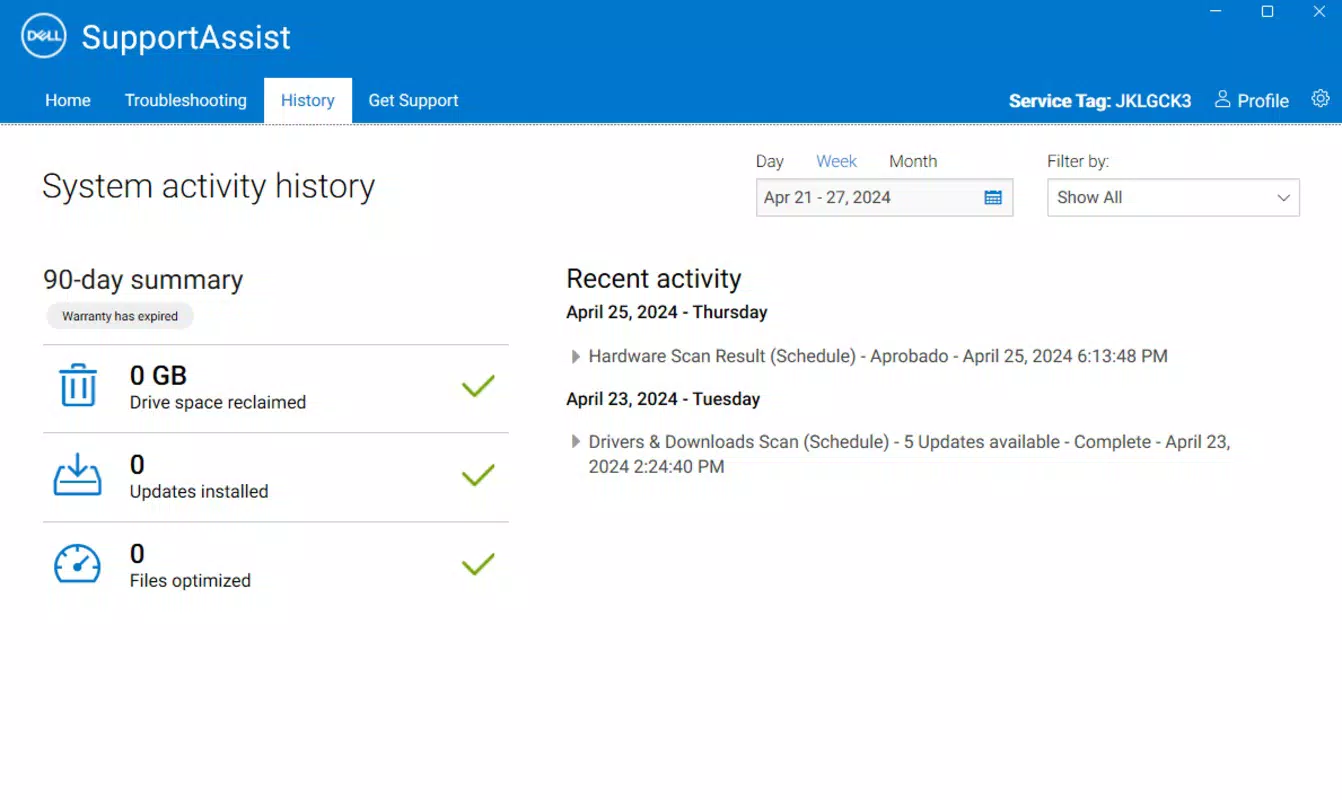
- Activity History Access: All maintenance actions—such as driver updates and cleanups—are logged with timestamps. Users can review past activities within customizable date ranges, enabling better tracking of system changes over time.
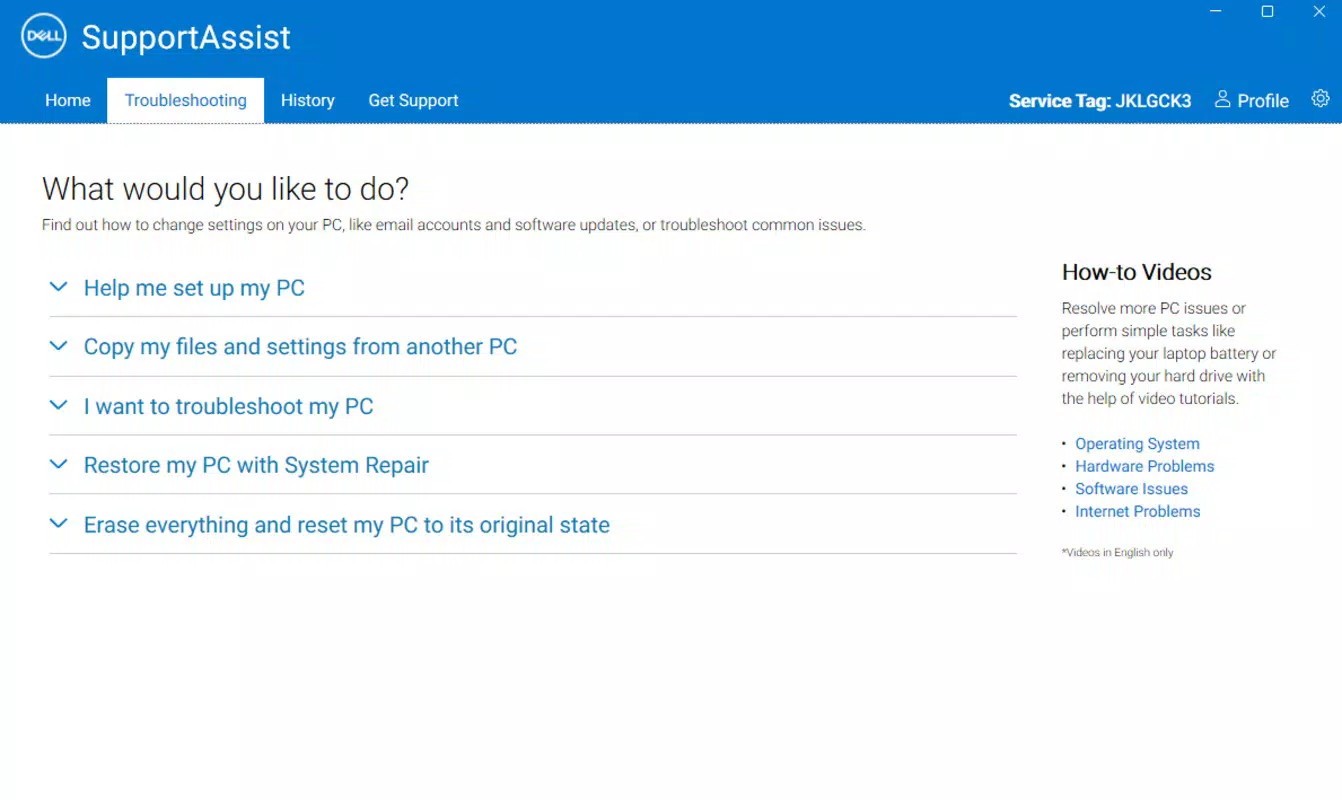
- Technical Support Integration: When hardware problems are detected, users can initiate a support request directly from the app. This feature streamlines the troubleshooting process, especially for devices under warranty, by connecting users to Dell’s support network with minimal friction.
These features are designed to enhance user autonomy in system management. For example, a remote worker can use the app to ensure their Dell laptop’s drivers are current before a critical presentation. Similarly, an IT administrator can monitor multiple devices through the app’s centralized reporting capabilities, ensuring consistent performance across a fleet of Dell machines.
Interface, UX & Performance
The app features a clean, intuitive interface with a focus on clarity and ease of navigation. Primary functions are accessible via a centralized dashboard, minimizing the number of taps required to initiate common tasks. Visual indicators, such as color-coded status alerts, help users quickly identify system health levels without requiring technical expertise.
Navigation is consistent across both Android and iOS, with a bottom tab bar providing access to key sections: Home, Diagnostics, Updates, History, and Support. The layout adapts well to various screen sizes, ensuring usability on both smartphones and tablets. Although the developer did not list formal performance metrics, the app maintains responsive interactions during scans and updates, with minimal lag observed during typical usage.
Stability appears to be well-managed, with no reported issues related to crashes or freezes. The app efficiently manages background processes, minimizing battery consumption. Users can expect smooth operation during routine maintenance tasks, even on mid-tier devices. However, specific performance benchmarks or load testing data were not disclosed by the developer.
Platform Compatibility & Technical Requirements
Dell SupportAssist is available on both Android and iOS platforms, making it accessible to a wide range of users. The current version is 10.1.0, with a file size of 45.5 MB, indicating a lightweight footprint suitable for most modern smartphones. The app is offered at no cost, aligning with Dell’s strategy of providing value-added services to enhance customer satisfaction.
The developer did not specify minimum OS requirements or compatibility details beyond the platform names. As such, users should verify device compatibility through their respective app stores. The app may require access to device storage and network permissions to function properly, though exact permission details were not provided.
Pros and Cons
- Official Dell-developed tool with manufacturer-specific optimizations
- Free to download and use with no in-app purchases
- Comprehensive hardware diagnostics and driver management
- Seamless integration with Dell technical support services
- Intuitive interface suitable for non-technical users
- Availability limited to Dell PC owners for full functionality
- No public information on data privacy or transmission practices
- Some features may require a Dell device registered with a Dell account
- Platform-specific updates may not be synchronized across Android and iOS
- Advanced troubleshooting options are not available within the mobile app
FAQ
Is Dell SupportAssist safe to install?
Yes, the app is developed by Dell Technologies and distributed through official app stores, ensuring a secure installation process. It does not contain malware or unauthorized access components.
Can I use Dell SupportAssist on non-Dell devices?
The app is designed specifically for Dell PCs. While it may install on other devices, its core features—such as driver updates and hardware diagnostics—will not function properly without Dell-specific hardware.
Does Dell SupportAssist require an internet connection?
Yes, an active internet connection is required for features like driver downloads, diagnostics reporting, and technical support requests. Offline functionality is limited to viewing saved activity history.
How often should I run diagnostics with the app?
It is recommended to run a full diagnostic at least once every three months, or more frequently if you notice performance issues. The app may also prompt users automatically when system anomalies are detected.
Is my data secure when using Dell SupportAssist?
Dell SupportAssist adheres to Dell’s data privacy policies. However, the developer did not provide detailed information on data encryption, storage, or sharing practices. Users are advised to review Dell’s official privacy statement for full transparency.
Final Thoughts
Dell SupportAssist stands out as a reliable, official tool for maintaining Dell PCs with minimal user effort. Its combination of hardware diagnostics, driver management, and direct support integration makes it a valuable asset for both individual users and IT teams. The app’s clean design, cross-platform availability, and free access enhance its appeal as a productivity-enhancing utility.
While some limitations exist—particularly regarding non-Dell device compatibility and transparency in data handling—the benefits far outweigh the drawbacks for Dell owners. The app delivers real value by simplifying complex maintenance tasks and improving device reliability.
For anyone using a Dell PC, this app offers peace of mind and proactive system care. Download Dell SupportAssist now to keep your device running at peak performance.


